AWS Deployment Guide
Master the art of deploying containerized applications with ECS Fargate and GitHub Actions.
Deployment Pipeline
Automated CI/CD Workflow
Source Code
GitHub Push
Build
Docker Image
Registry
Amazon ECR
Deploy
ECS Fargate
Source Code
GitHub Push
Build
Docker Image
Registry
Amazon ECR
Deploy
ECS Fargate
AWS Configuration
Prepare your AWS environment
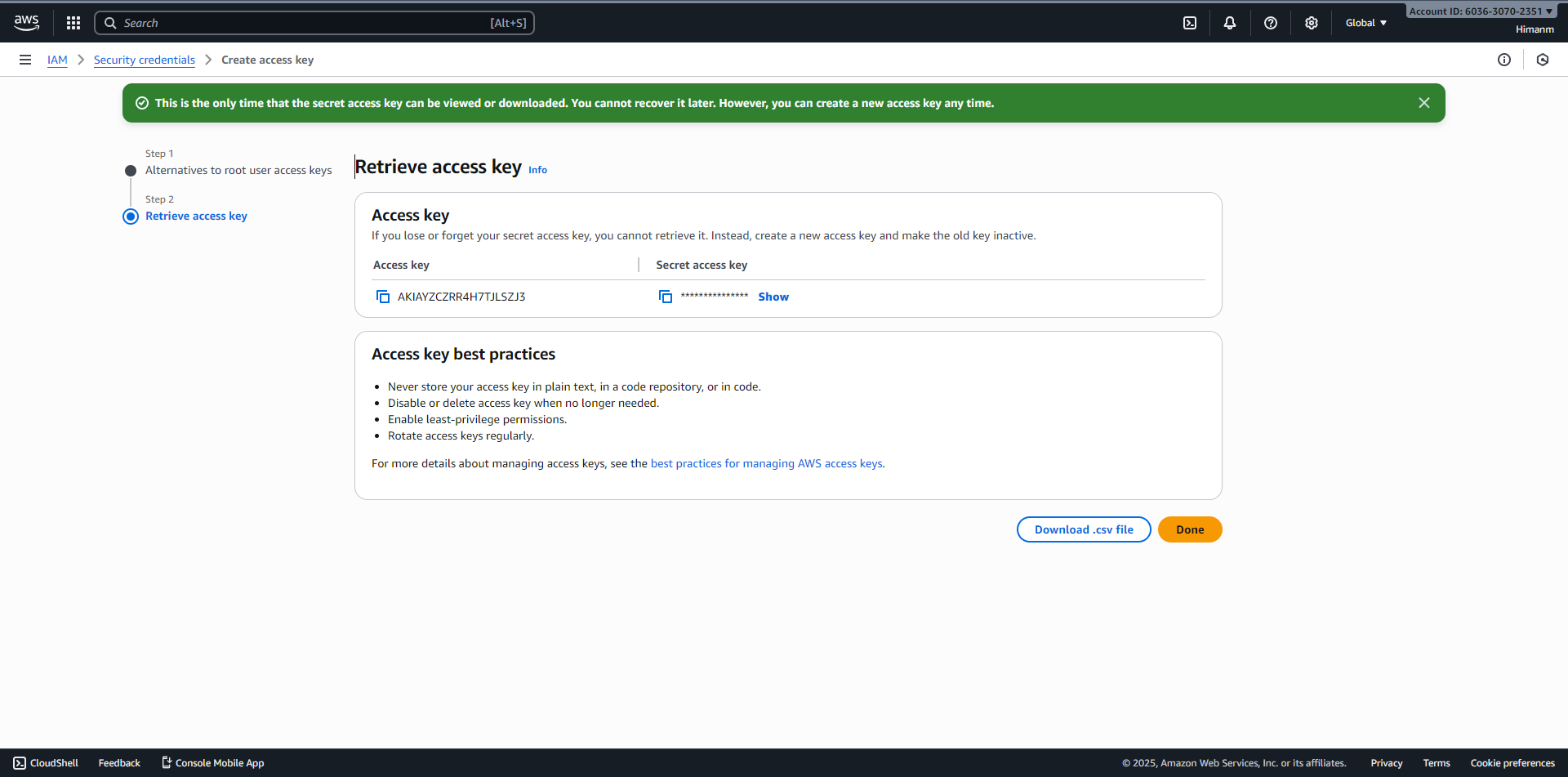
1. Create AWS Access Keys
Generate credentials to allow the CLI to interact with your AWS account.
1
Go to AWS Console > Security Credentials.
2
Create new Access Key.
3
Save the Secret Key! You won't see it again.
Enlarge Image
2. Install & Configure AWS CLI
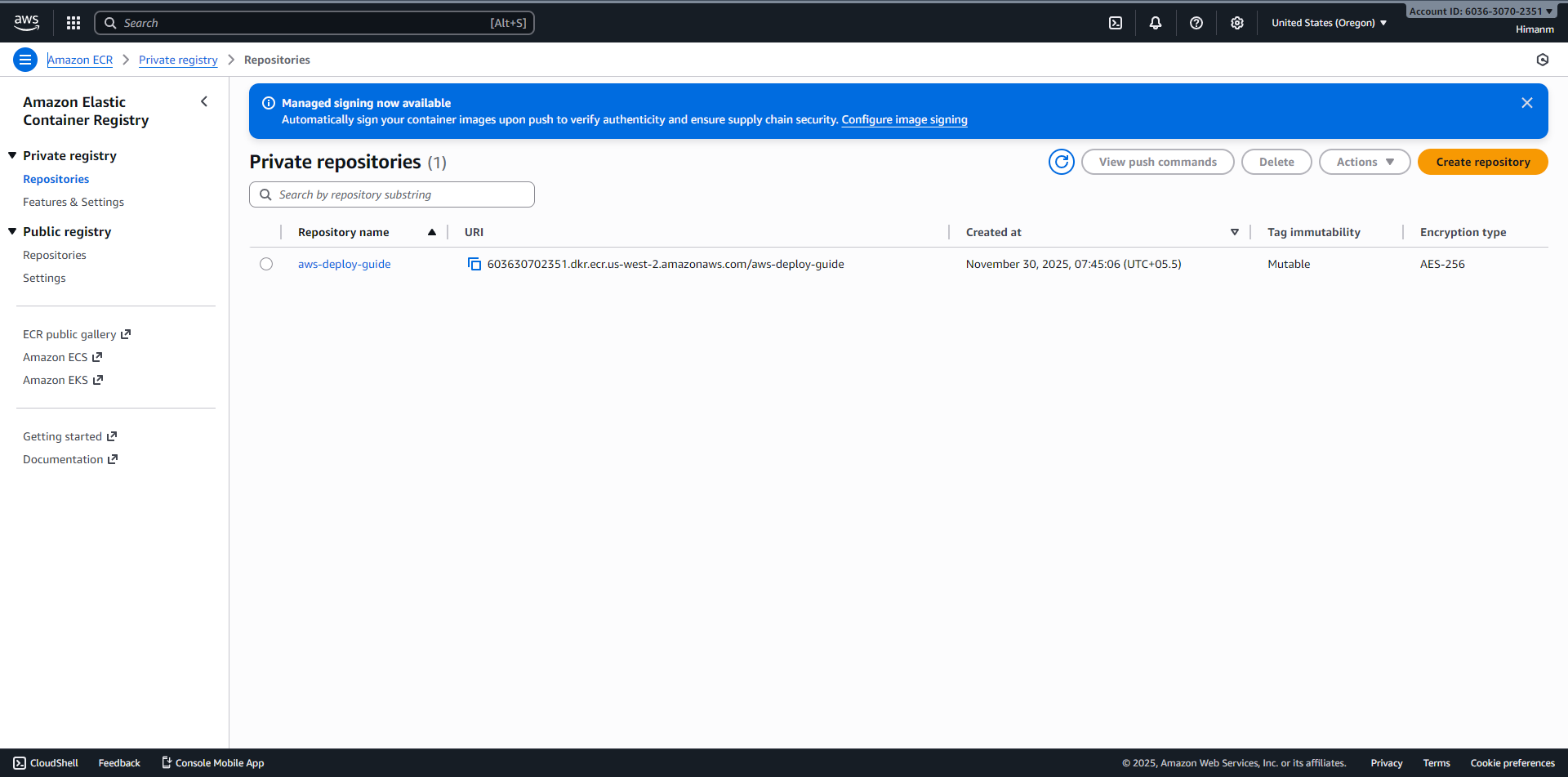
3. Create ECR Repository
Create a secure place to store your Docker images.
aws ecr create-repository \
--repository-name aws-deploy-guide
--repository-name aws-deploy-guide
Enlarge Image
More DevOps Projects
Explore other hands-on guides and implementations
DevOps Project 1
Production-grade demonstration of containerized microservices, Infrastructure as Code, and automated CI/CD pipelines.
DevOps Project 2
A comprehensive demonstration of modern DevOps practices, featuring chained pipelines, infrastructure automation with Ansible, and containerized deployments.
DevOps Project 3
A complete guide to deploying full-stack applications on Kubernetes using Jenkins CI and ArgoCD GitOps. Automated, secure, and scalable.
DevOps Project 4 (Current)
This comprehensive guide to AWS Container Deployment.
You are currently viewing DevOps Project 4. This application demonstrates a modern, responsive guide built with Next.js, Tailwind CSS, and shadcn/ui, documenting the process of deploying containers to AWS.